"The Coffee Shop Girl You Never Spoke To"

You've replayed it a hundred times. She stood three feet away, scrolling her phone. You had an opening. You composed the perfect line — after she was gone.

For all you know, she's married now. To some guy who said something. Anything.

Openers are cheap. Almost any sentence works when it's delivered within three seconds. The expensive part is the standing there, drafting and deleting, while the window quietly closes.

The "22 Rules" stripped out my hesitation. What to open with, how to keep it alive, and the one habit that costs guys more women than anything else: waiting for perfect.

Read more...

how do I upload pics, it wants a Http Address? but theyre on phone

"I'm Not Looking for Anything Serious Right Now"

When a woman says it, guys hear a confession. A heads-up. A scheduling conflict.

Here's the translation: I don't feel anything. Right now. With you.

Watch what happens when a man triggers actual attraction. The busy career, the recent breakup, the "not in a place to date" — all of it evaporates instantly. The same woman who was guarding her freedom is suddenly free every night.

The "22 Rules" explain why. When the right switches flip, her timeline rearranges itself around you.

Read more...

Gstring

Banned
Joined
Dec 27, 2020
Messages
165
Reaction score
104
Age
38
@derby1
You open up ImgBB.com on your phone and upload pics there, and then copy and paste URL here, prefixing it with img tags in [ ] quotes will show the pics.
 

derby1

Master Don Juan
Joined
Aug 10, 2017
Messages
3,242
Reaction score
3,400
okay so the link shows and works if you click it, but doesnt show pic on this site, not the end of the world
 

Gstring

Banned
Joined
Dec 27, 2020
Messages
165
Reaction score
104
Age
38
okay so the link shows and works if you click it, but doesnt show pic on this site, not the end of the world
img tags are small word img within [ ] and then you put that link and then close the tag with /img again inclused in [ ]

Though, the link you gave is the link to web site where your image is, your image is at another address

you gave this https://ibb.co/x7fsDW8


"She Laughed All Night. Then She Ghosted You. Here's Why."

Dinner ran three hours. She laughed at everything. You walked her to her car thinking this one's locked in.

Then: nothing. Two texts. No reply. What happened?

You did what most men do on a great date. You filled every silence, answered every question, and left her with nothing to wonder about. No mystery. Nothing to sit with when she got home.

Rule 3 of the "22 Rules" changes the ending: tell her a little, hold back the rest, and let her imagination do the chasing. The ghosting stops too.

Read more...

Serenity

Moderator
Joined
Aug 19, 2013
Messages
5,150
Reaction score
5,057
Age
35
Location
Eye of the storm
In the text editor there's an image icon of a rectangle with a landscape and sun between the link (chain) icon and the smiley icon. Click that to open a submenu you can drag an image into the box or click the box to open a browser to select the image file, this will upload the image directly to the forums. There is a filesize limitation I believe, not sure what the limit is, but I'm fairly sure anything below 1MB is fine.

If you want to use another image hosting service you can do that too. Once uploaded there get the direct link to the image (ending in .jpg .gif .png etc.), click the image icon in the text editor here, in the submenu click on the link icon, paste the image link there and click insert.

You can also use the BB tags, but using the formatting options I mentioned does this for you. Tags should be formatted like this:
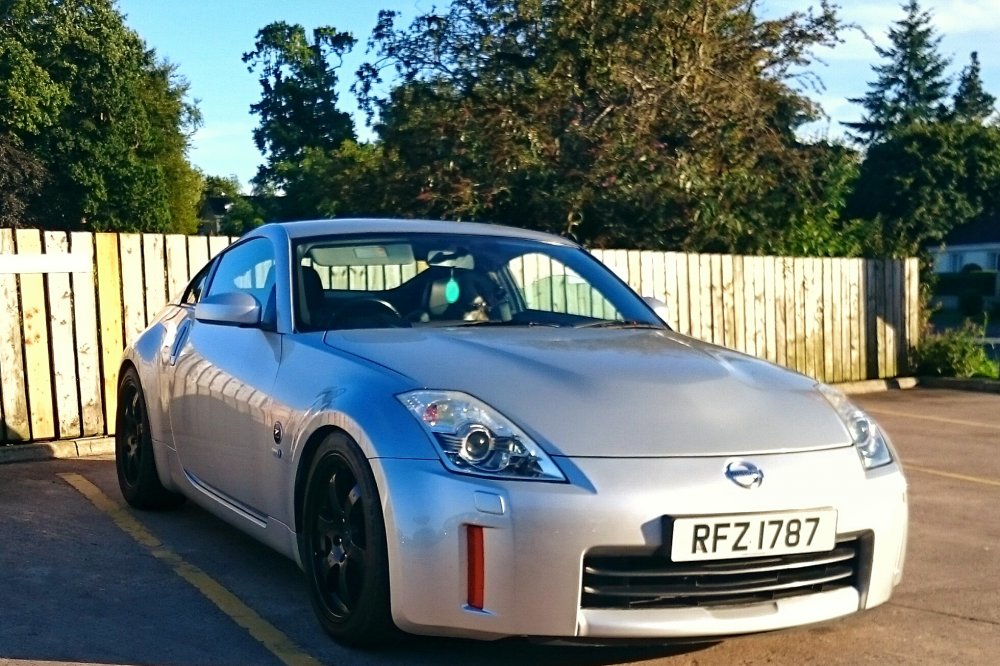
[IMG]https://i.ibb.co/2ks6yxY/350z.jpg[/IMG]
(Capitalization of the tags doesn't matter)

It's important that you use a direct link to just the picture, not the display page for the image that you'll find on many image hosts. Usually done by right clicking/long tapping the image, opening the image in a new tab and copying the address.
 
Last edited:
Top